
Key takeaways
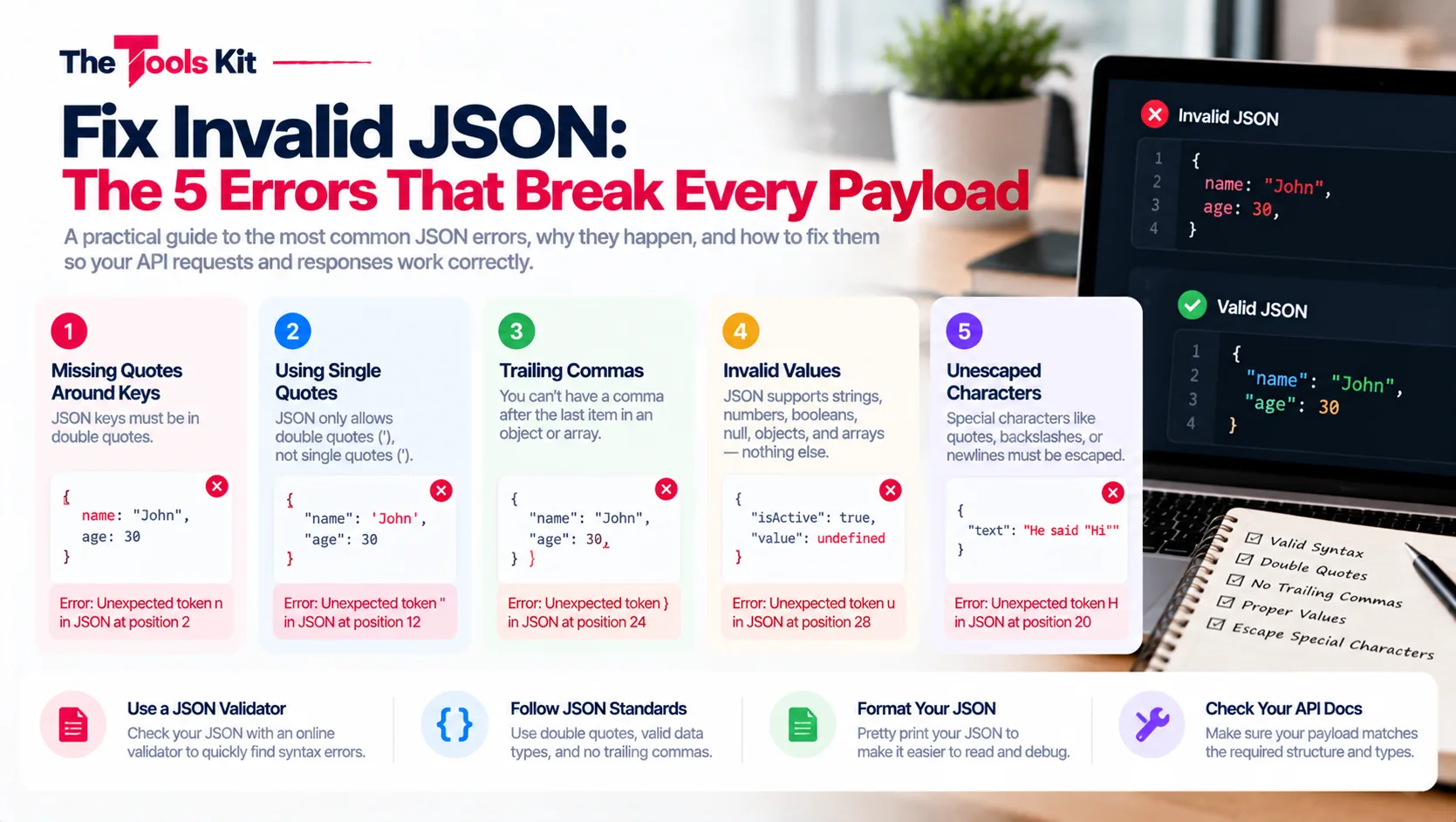
- Almost every invalid JSON payload is one of five mistakes: trailing commas, single quotes, unquoted keys, comments, or missing and mismatched brackets.
- A trailing comma after the last item is the single most common JSON error because JavaScript allows it and JSON does not.
- JSON has no comment syntax, so // and /* */ comments make a file invalid; formats that allow them, such as JSONC, are JSON supersets.
- A missing brace in deeply nested JSON produces an error pointing at the end of the file, and proper indentation makes the missing bracket visible.
JSON is strict on purpose, and its parser fails loudly at the first rule it sees broken. The good news: in practice, almost every invalid payload is one of the same five mistakes. Learn these and you can fix most JSON errors on sight.
1. The trailing comma
JSON forbids a comma after the last item. This is the single most common error, because JavaScript allows it and JSON does not.
Broken: {"name": "Alice", "age": 30,}
Fixed: {"name": "Alice", "age": 30}
Delete the final comma and the payload parses.
2. Single quotes
Every string and every key in JSON must use double quotes. Single quotes are valid in JavaScript and Python, which is exactly why they sneak into JSON so often.
Broken: {'name': 'Alice'}
Fixed: {"name": "Alice"}
3. Unquoted keys
Object keys must be quoted strings, always. Writing keys bare, JavaScript style, fails immediately.
Broken: {name: "Alice"}
Fixed: {"name": "Alice"}
4. Comments
JSON has no comment syntax at all. Both // line comments and /* block comments */ make a file invalid the moment they appear. If a config format you use does allow comments, it is a JSON superset like JSONC, not JSON itself. Before pasting into anything that expects real JSON, strip the comments.
5. Missing or mismatched brackets
Every { needs its } and every [ needs its ]. In a payload nested four levels deep, a single missing brace produces an error message pointing at the end of the file, far from the actual mistake. Indentation is the antidote: a properly formatted payload makes the structure visible, and the missing bracket jumps out.
Let the parser find it for you
Hunting these by eye in a 4,000 character single line API response is miserable. Paste the payload into the free JSON Formatter instead: it validates with the same JSON.parse engine your application uses, shows the exact parser error when something is wrong, and pretty prints the structure so nesting problems become visible. If it parses there, it will parse in your code.
The bottom line
Trailing commas, single quotes, bare keys, comments, and lost brackets. Five errors, five fixes, and a validator that points at the exact line. Invalid JSON stops being a mystery once you know the list.