
Key takeaways
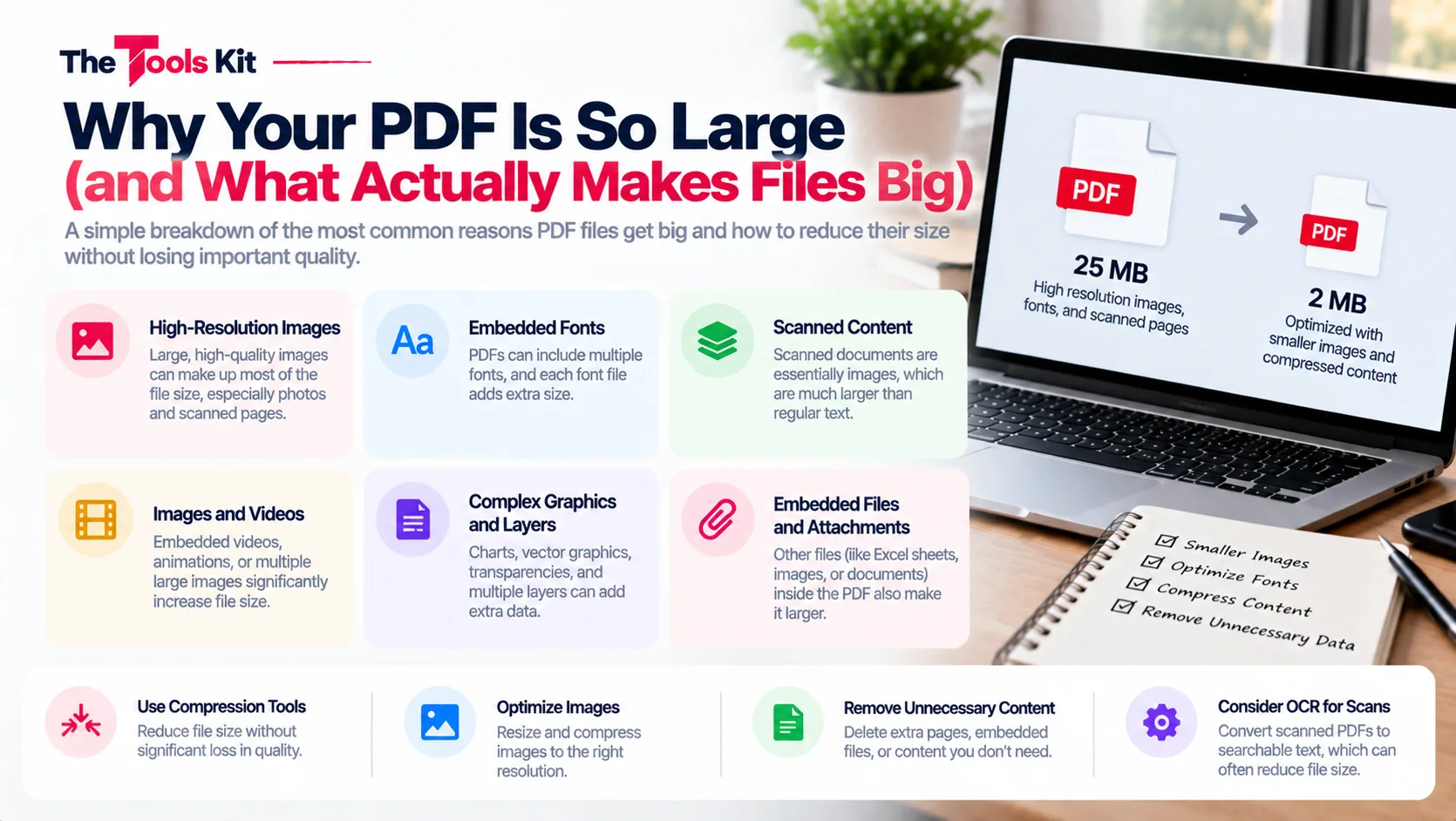
- A PDF's size is decided almost entirely by its images, since a full page of text takes only a few kilobytes.
- Scanned pages are stored as single large pictures of one to several megabytes each, so ten scanned pages can easily pass 20 MB.
- Scan documents at 300 DPI, because 600 DPI doubles the file size for no practical benefit, and resize photos before placing them into a document.
- Compression tools shrink PDFs by lowering image resolution and re-encoding, leaving text untouched, which is why a text-only PDF barely changes.
A PDF's size is decided almost entirely by its images. Text is nearly free: a full page of it takes only a few kilobytes, so a plain 100 page report can be smaller than a single photo. Once you know that, oversized PDFs stop being a mystery and start being fixable.
The usual suspect: scans and photos
A scanned page is stored as one big picture, and at typical scanner settings that picture can run from one to several megabytes per page. Ten scanned pages can easily pass 20 MB, which is why scanned contracts and ID documents are the files that most often bounce off email and portal limits. Photos placed into documents do the same thing: a modern phone photo is several megabytes before it ever touches your PDF.
The smaller contributors
Embedded fonts add a little size, usually a few hundred kilobytes at most, and only matter in otherwise tiny files. Vector graphics, such as logos and charts drawn as shapes, are compact. High page counts alone do not create large files; a long text document stays light. If a PDF is heavy, images are the reason in almost every case.
How to keep PDFs small from the start
Prevention beats fixing. When you create documents, a few habits keep sizes sensible: scan at a reasonable resolution (300 DPI is plenty for documents, 600 DPI doubles the size for no practical benefit), resize photos before placing them into a document rather than after, and export from Word or Google Docs rather than printing to a scanner, so text stays text instead of becoming an image.
If you are assembling a document from photos, converting the images with a JPG to PDF tool and then merging the results keeps each step under your control.
What compression actually does
When a PDF is already too large, compression tools shrink it by lowering the resolution of its images and re-encoding them, while leaving text untouched. That is also why compression barely changes a text only PDF: there is nothing heavy inside it to shrink. The size lives in the pictures, so that is where the savings live too.
The bottom line
Check what is inside your PDF before blaming the format. Text is light, images are heavy, and scans are the heaviest of all. Control the images and you control the file size.
Frequently asked questions
It is almost certainly a scan or contains a photo. A scanned page is stored as a large image, and a single one can outweigh a hundred pages of text.
Not by itself. Text pages are tiny. A long report stays small unless it contains images or scanned pages.
300 DPI is sharp enough for reading, printing, and OCR. Higher settings mostly add file size without practical benefit for everyday documents.
Compression works by shrinking images. A text only PDF has little to compress, because text is already compact.
Reduce the images inside it with a compression tool, or share it as a cloud link. Recreating the PDF from properly sized images also works well.