
Key takeaways
- Multiply each hex digit by 16 to the power of its position from the right, counting from 0, and add; A to F count as 10 to 15.
- 0x4000 is 4 x 4,096 = 16,384, which is 16 KiB; round hex values are always powers of two in decimal.
- Each hex digit is exactly four binary bits, so hex converts to binary by swapping each digit for its four-bit pattern.
- In a signed 16-bit field, 0x8000 is read as -32,768 under two's complement, so check the type before trusting a large hex value.
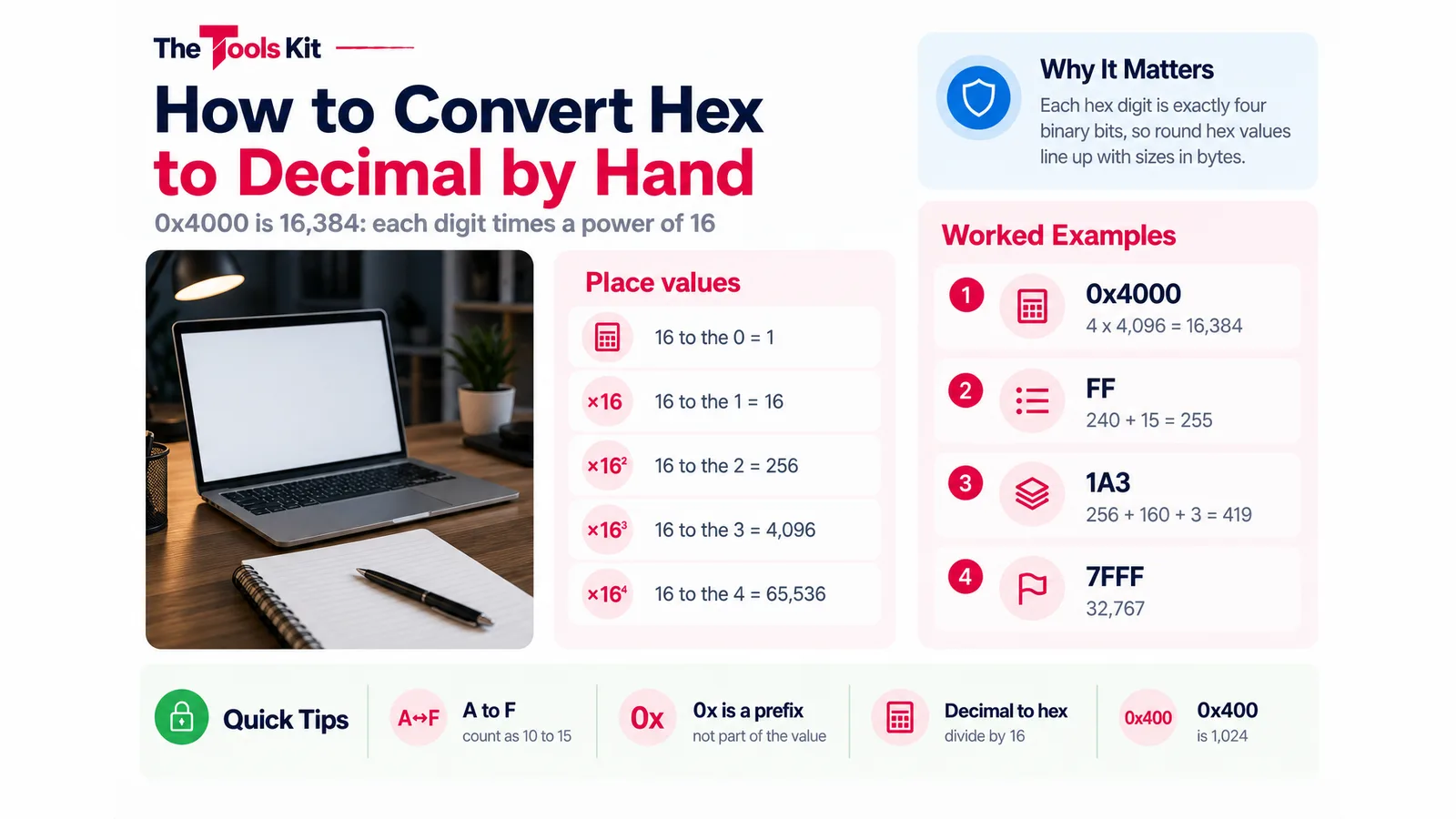
To convert hex to decimal, multiply each hex digit by 16 raised to the power of its position, counting from 0 on the right, and add the results. The letters A to F stand for 10 to 15. So 0x4000 is 4 x 16 cubed (4 x 4,096) plus three zeros, which is 16,384. The 0x in front only says "this is hexadecimal" and is not part of the value. The Binary Converter shows the same working step by step, along with the binary and octal forms.
The place values you need
Each position in a hex number is worth 16 times the one to its right, the same way each decimal position is worth 10 times the one to its right.
| Position (from the right) | Power | Value |
|---|---|---|
| 1st | 16 to the 0 | 1 |
| 2nd | 16 to the 1 | 16 |
| 3rd | 16 to the 2 | 256 |
| 4th | 16 to the 3 | 4,096 |
| 5th | 16 to the 4 | 65,536 |
And the digit values: 0 to 9 are themselves, then A = 10, B = 11, C = 12, D = 13, E = 14, F = 15. Upper and lower case mean the same thing.
Worked examples
Here is the full working for four common values. Each line is digit x place value.
- 0x4000: 4 x 4,096 + 0 x 256 + 0 x 16 + 0 x 1 = 16,384
- FF: 15 x 16 + 15 x 1 = 240 + 15 = 255
- 1A3: 1 x 256 + 10 x 16 + 3 x 1 = 256 + 160 + 3 = 419
- 7FFF: 7 x 4,096 + 15 x 256 + 15 x 16 + 15 x 1 = 28,672 + 3,840 + 240 + 15 = 32,767

A quick sanity check: a hex number with one nonzero digit followed by zeros is that digit times a power of 16. That is why round hex values come out as powers of two in decimal.
Why 0x4000 and other round hex numbers show up
Hex is used in code, memory addresses, error codes and file formats because every hex digit is exactly four binary bits. Round hex values are therefore round in binary, and they line up with sizes measured in bytes.
| Hex | Decimal | Note |
|---|---|---|
| 0x10 | 16 | 16 to the 1 |
| 0x100 | 256 | values in one byte run 0 to 255 |
| 0x400 | 1,024 | one kibibyte (KiB) |
| 0x1000 | 4,096 | 4 KiB |
| 0x4000 | 16,384 | 16 KiB (16 x 1,024) |
| 0x8000 | 32,768 | 32 KiB |
| 0x10000 | 65,536 | 64 KiB |
So when a program reports a buffer of 0x4000 bytes, that is 16,384 bytes, or 16 KiB.
Hex to binary and back
Because one hex digit is four bits, you can convert hex to binary by replacing each digit with its four-bit pattern, with no arithmetic at all. 4 is 0100 and 0 is 0000, so 0x4000 is 0100 0000 0000 0000. Drop the leading zero and you get 100000000000000, which is what the Binary Converter shows. Going the other way, split the binary into groups of four from the right and turn each group into one hex digit.
Decimal to hex: divide by 16
To go from decimal to hex, divide by 16 repeatedly and keep the remainders. Read the remainders from the last one to the first.
- 419 / 16 = 26 remainder 3
- 26 / 16 = 1 remainder 10 (A)
- 1 / 16 = 0 remainder 1
Reading upward gives 1A3. For 16,384 the remainders are 0, 0, 0 and 4, which gives 4000.
Signed values: when 0x8000 is not 32,768
The working above treats every hex number as a positive whole number, which is how the Binary Converter reads it too; it does not accept negative numbers. Code that stores a value in a fixed number of bits as a signed integer reads it differently. In a signed 16-bit integer, 0x7FFF (32,767) is the largest positive value and 0x8000 is read as -32,768 under two's complement, because the top bit marks the number as negative. If a hex value from a log or a debugger looks oddly large, check whether the field is signed and how many bits wide it is.
Hex in colours and text
Web colours are three hex bytes: #FF5733 splits into FF, 57 and 33, which are 255, 87 and 51, the red, green and blue values. The Color Picker shows the same colour as HEX, RGB, HSL and CMYK. Text characters are also often written as hex bytes; the ASCII Converter shows each character as hex, binary and decimal, so "Hi" is 48 69 in hex. If you met hex while looking at encoded data, the guide on Base64 and why it is encoding, not encryption covers the related format.
Prefixes you will see
| Written as | Where | Means |
|---|---|---|
| 0x4000 | C, JavaScript, Python and most languages | hexadecimal |
| 0b1010 | JavaScript, Python | binary |
| 0o17 | JavaScript, Python | octal |
| #FF5733 | CSS colours | three hex bytes |
The Binary Converter reads the 0x, 0b and 0o prefixes the same way code does: type 0x4000 with the input base set to Decimal and it still reads it as hex, with a note saying so.
Sources
Frequently asked questions
16,384. The 0x prefix marks the number as hexadecimal. 4000 in hex is 4 x 16 cubed, and 16 cubed is 4,096, so the value is 4 x 4,096 = 16,384. In bytes that is 16 KiB.
Write the place values from the right: 1, 16, 256, 4,096 and so on. Multiply each digit by its place value, with A to F counting as 10 to 15, and add the results. FF is 15 x 16 + 15 = 255.
Divide the number by 16 and note the remainder, then divide the result by 16 again until it reaches 0. Read the remainders from last to first, writing 10 to 15 as A to F. 419 gives remainders 3, 10 and 1, which is 1A3.
In a signed 16-bit integer stored in two's complement, the top bit marks a negative number, so 0x8000 is read as -32,768 and 0x7FFF is the largest positive value, 32,767. Read as a plain positive number, 0x8000 is 32,768.