Developer Tools
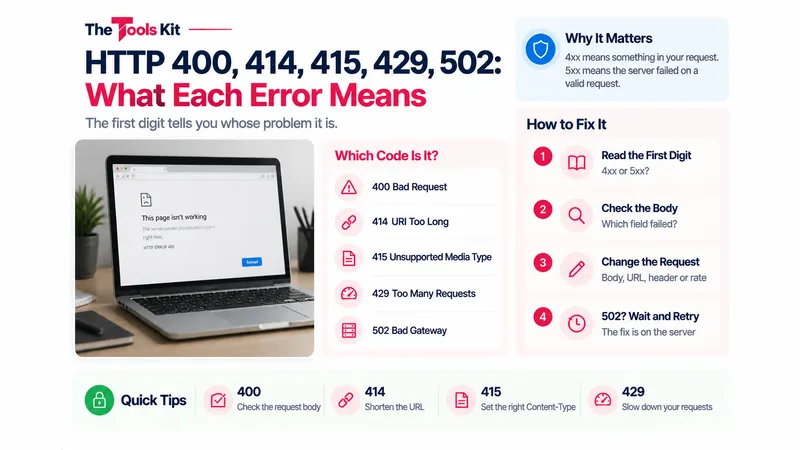
The first digit tells you whose problem it is. A 4xx is something in the request; a 5xx is something on the server. The five codes people look up most, with the usual cause and fix for each.
Read More →Writing Tools
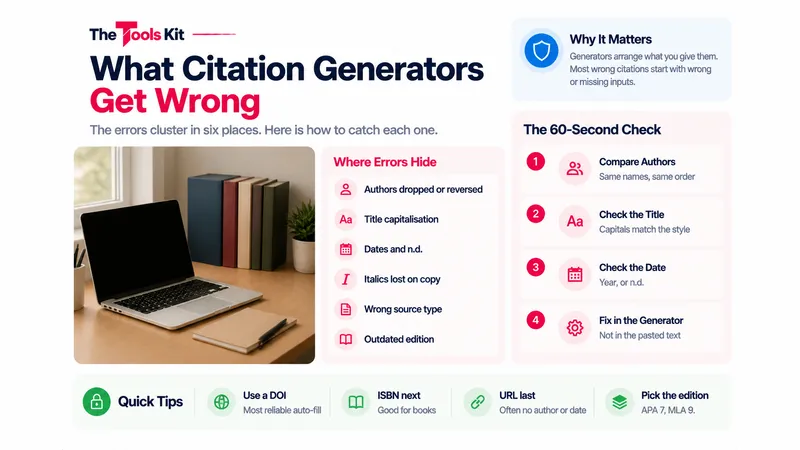
Generators are fast and mostly right. The errors cluster in six places: authors, capitalisation, dates, italics, the container and the edition. Here is how to catch each one.
Read More →Career Tools
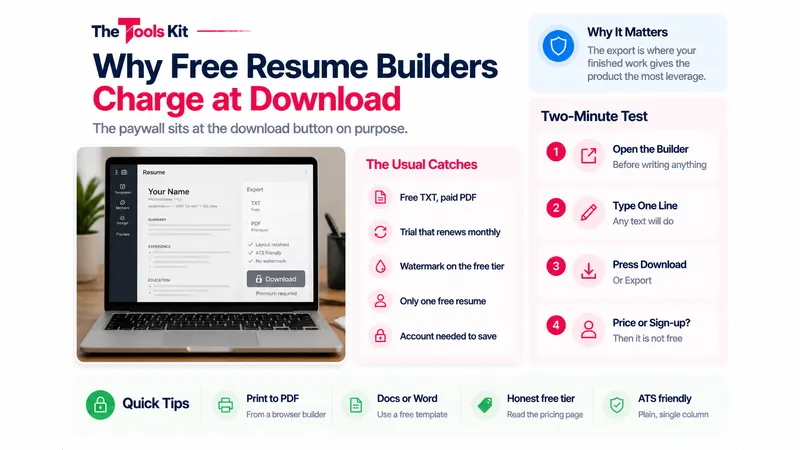
The paywall sits at the download button on purpose. How to test a builder in two minutes before writing anything, and three routes that give you a PDF for nothing.
Read More →Document Tools
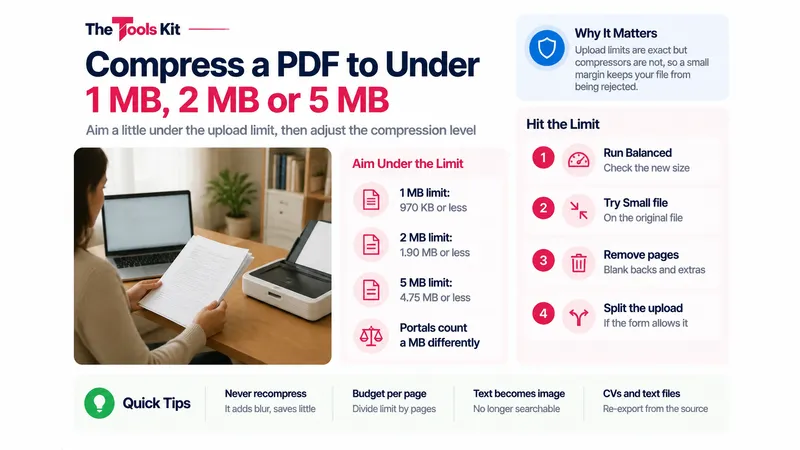
Upload limits are exact, but PDF compressors are not. Here is how to aim for 1 MB, 2 MB or 5 MB, what each compression level really does, and when compressing is the wrong move.
Read More →Image Tools
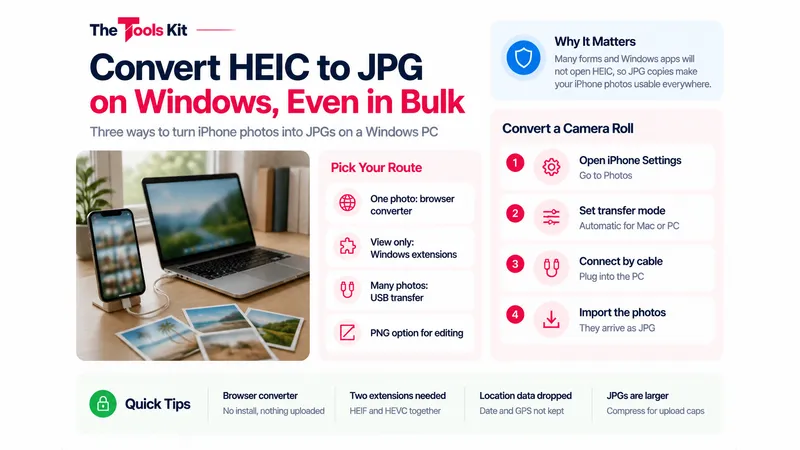
Three ways to turn iPhone HEIC photos into JPGs on a Windows PC, from one photo in the browser to a whole camera roll converted during the cable transfer.
Read More →Document Tools
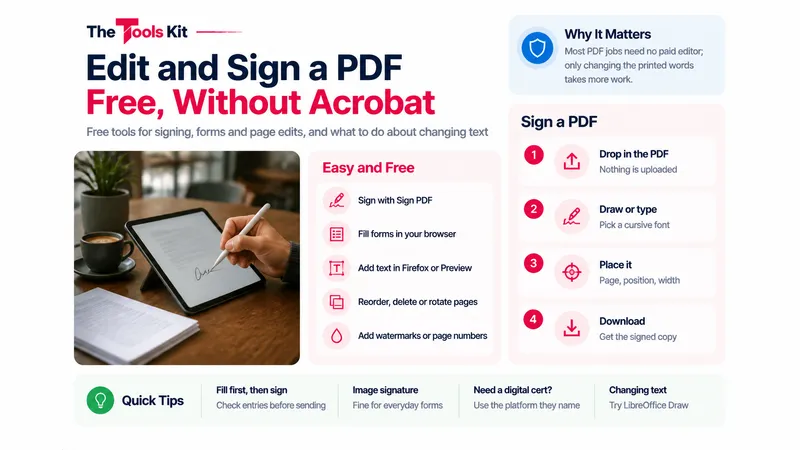
Signing, filling in forms and rearranging pages are easy and free. Changing the words already in a PDF is harder. Here is what works for each kind of edit, without Acrobat.
Read More →Image Tools
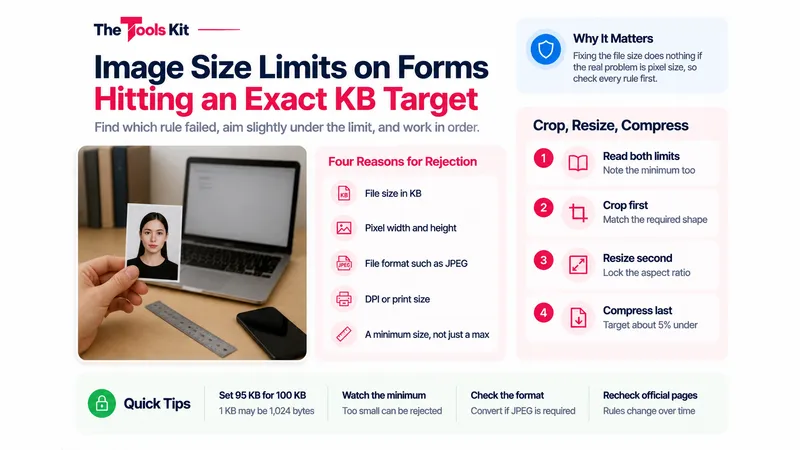
A form can reject a photo for its file size, pixel size, format or DPI. Find which rule failed, aim slightly under the limit, and work in the right order.
Read More →Image Tools
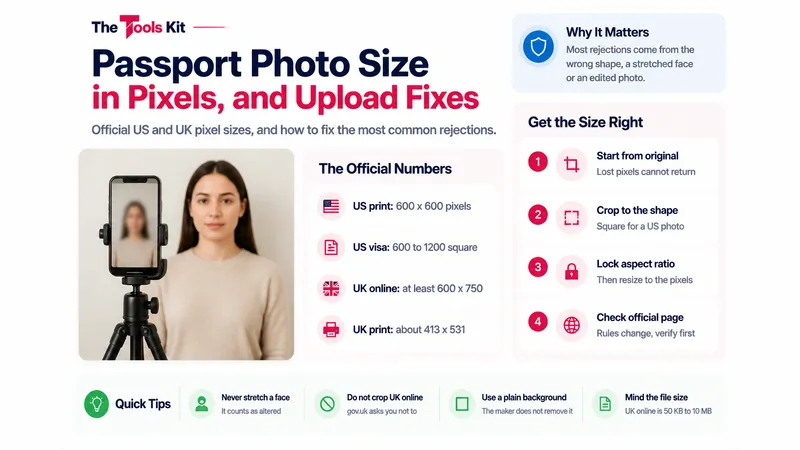
The pixel sizes the US and UK official pages actually ask for, how print sizes turn into pixels, and the fixes for the most common upload rejections.
Read More →Document Tools
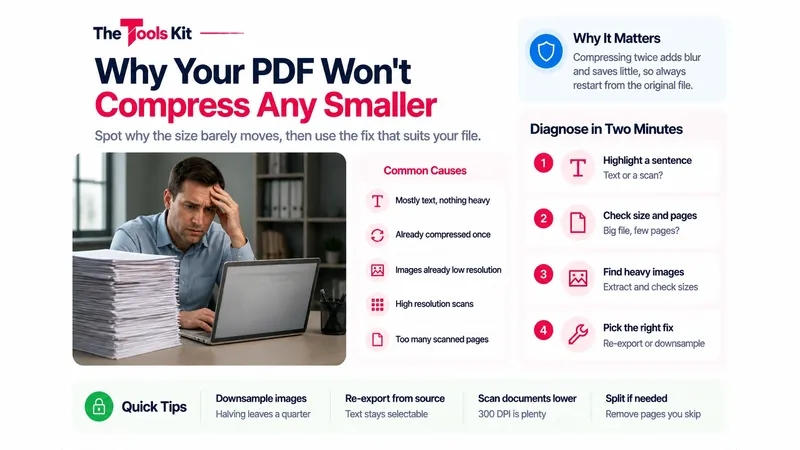
When a compressor barely moves the number, or refuses to produce a file, the cause is usually one of a few things. Here is how to spot which one, and the fix that works for each.
Read More →Image Tools
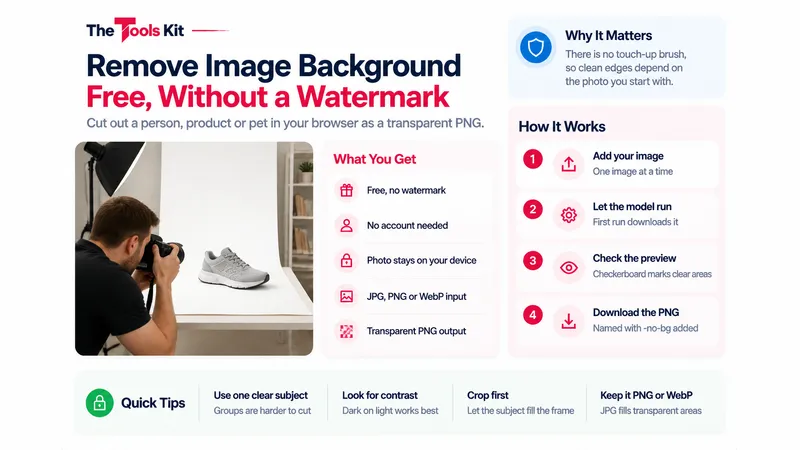
Cut out a person, product or pet in your browser and download a transparent PNG with no watermark. What the tool does, its limits, and how to get cleaner edges.
Read More →Document Tools
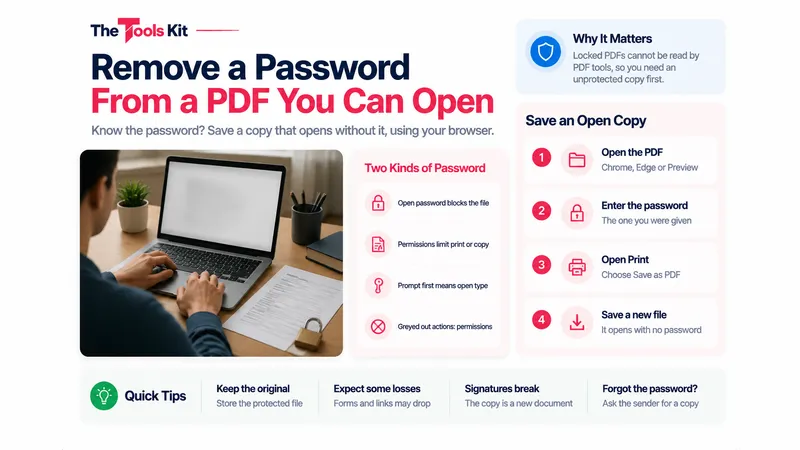
If you know the password, you can save a copy that opens without it in about a minute, using only your browser or Preview. Here is how, and what changes in the new copy.
Read More →Document Tools
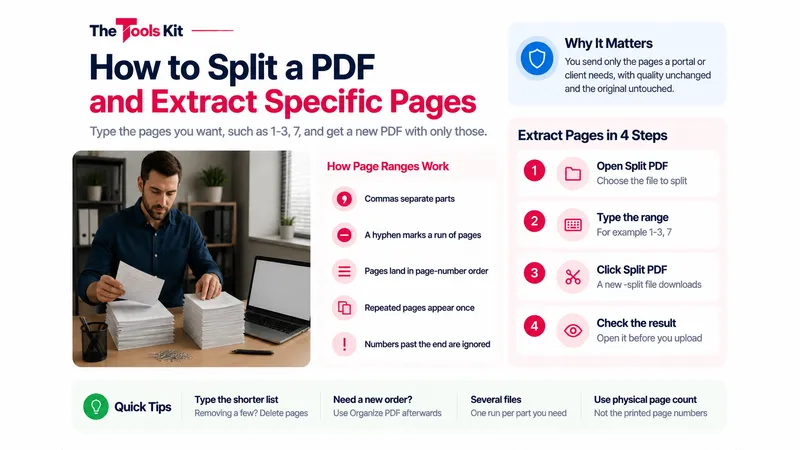
Type the pages you want, such as 1-3, 7, and get a new PDF with just those pages. Here is how page ranges work, and when deleting or reordering pages is the better tool.
Read More →